CueClip for Udemy Instructors
Build and refresh Udemy courses faster with transcript-first editing, cleaner pacing, and publish-ready exports.

Quick answer
If you teach on Udemy, volume matters. CueClip helps you edit more lessons faster while keeping footage clean, paced, and professional enough for a competitive marketplace.
Built for marketplace course volume
Udemy rewards instructors who can build complete libraries, update existing courses, and keep publishing without letting post-production become the bottleneck. Faster edits and better-quality footage compound over time because every new lesson improves the perceived value of the course.
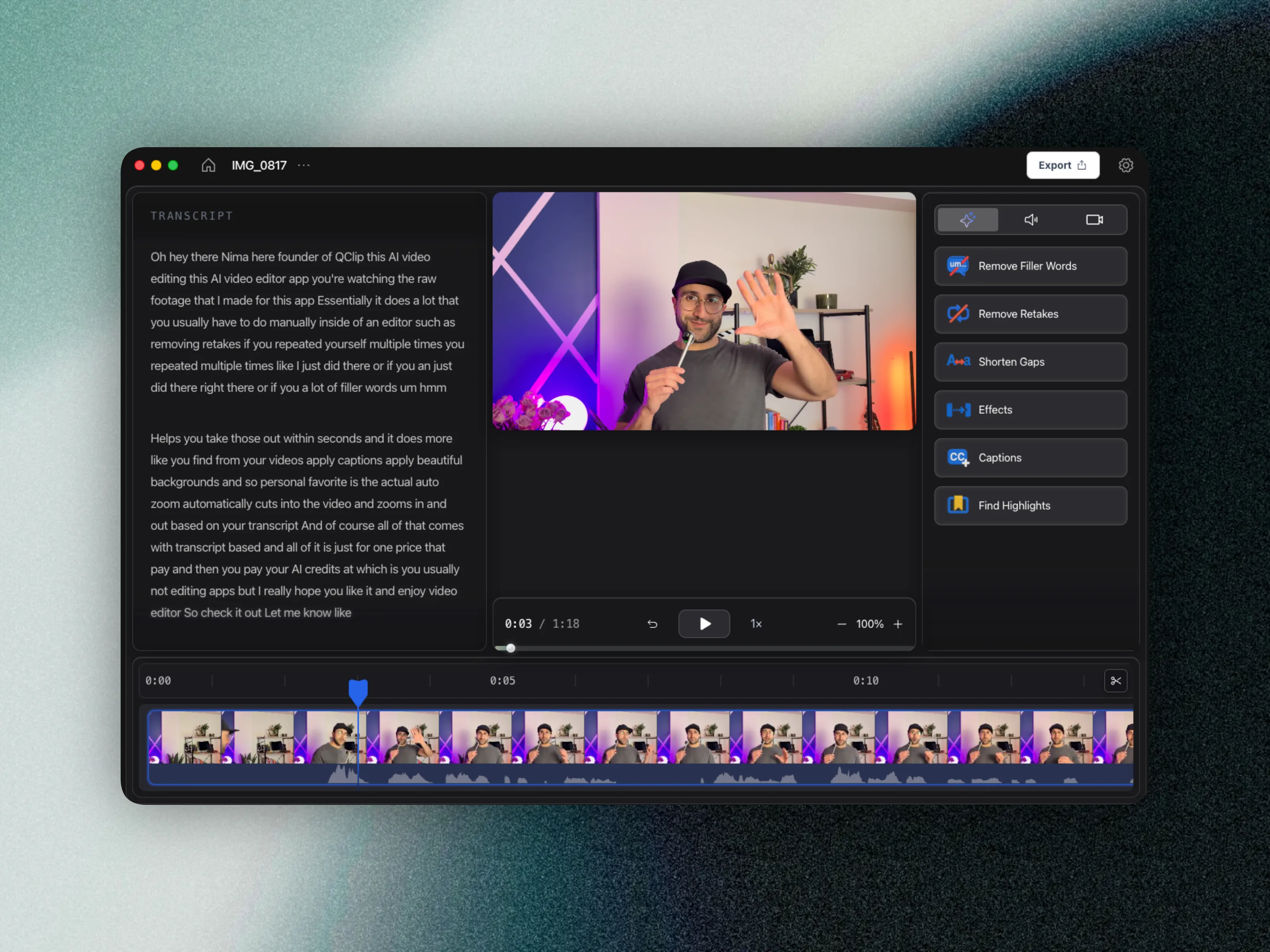
CueClip is designed for that cadence: transcript cleanup first, visual polish second, and exports that are ready for students without forcing every instructor into a heavy timeline workflow.
Marketplace shoppers sample pacing early. Lessons full of ums and long pauses convert worse than clean teaching — even when the expertise is identical. Auto-edit is therefore a ranking and review lever, not just a convenience.
Udemy production bottlenecks CueClip addresses
- Editing dozens of lessons without getting stuck in manual timeline cleanup
- Refreshing outdated lectures while preserving a consistent course feel
- Removing filler words, retakes, and long gaps before final polish
- Publishing more modules with better pacing and clearer delivery
What this improves across a full course
- Record screen or camera in CueClip, then edit without switching tools
- Higher lesson throughput for larger course libraries
- Cleaner lecture quality across both new and updated modules
- Less editing fatigue when recording in batches
- More consistent exports for students comparing course options
- Clear pricing for high-volume publishers (lifetime or monthly + optional BYOK)
Udemy workflow comparison
| Workflow area | Typical manual workflow | CueClip workflow |
|---|---|---|
| Batch lesson cleanup | Manual cuts across many files | Transcript pass across each module |
| Course updates | Slow re-edit cycles | Faster replacement lecture cleanup |
| Pacing quality | Inconsistent between lessons | Repeatable filler and silence cleanup |
| Publishing volume | Limited by edit backlog | More predictable lesson throughput |
FAQ
Is CueClip good for large Udemy course libraries?
Yes. Transcript-first cleanup scales better than timeline scrubbing when you are batching dozens of lessons or refreshing older modules for marketplace competitiveness.
How does CueClip pricing compare for high lesson volume?
CueClip offers $149 lifetime or $19/month with AI credits and optional BYOK, so instructors publishing many hours are not forced into only credit-heavy all-in subscriptions.
Best fit for
- Instructors building multi-module Udemy courses
- Educators updating older lectures to improve quality
- Creators recording lessons in batches and publishing at volume
Related: how to edit course lectures fast · 2026 tools roundup