CueClip for Skillshare Instructors
Turn raw class recordings into polished Skillshare lessons faster, without spending your creative energy on repetitive edits.

Quick answer
If you teach on Skillshare, publishing volume is a real advantage. CueClip helps you edit class lessons faster while improving pacing, clarity, and the final quality students see.
Built for repeatable class production
Skillshare instructors win by building trust through a growing library of useful classes. Volume matters because every new class creates another surface for discovery, and better-quality footage helps students stay engaged once they click.
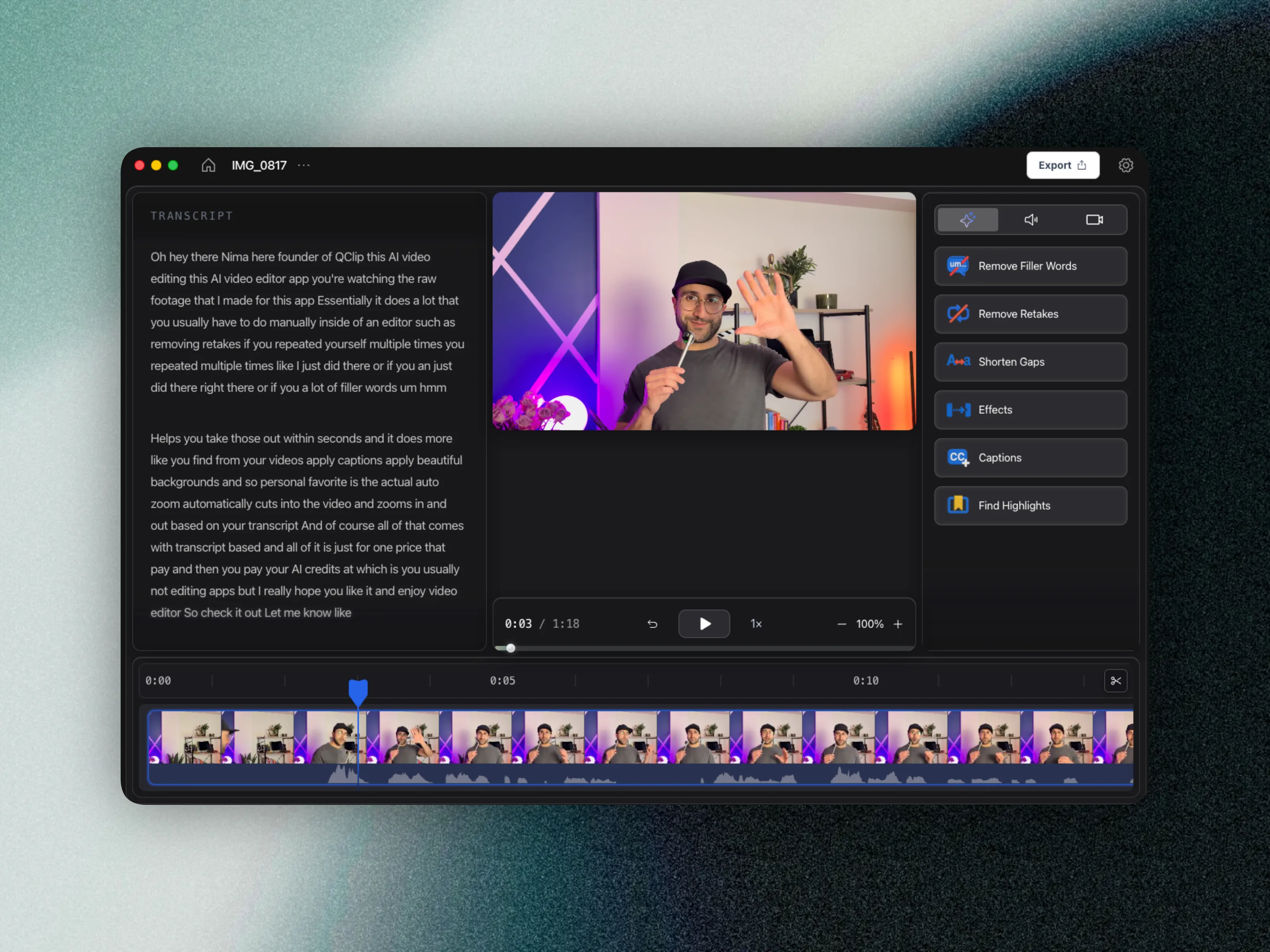
CueClip keeps that production loop lightweight. Start with transcript cleanup, remove filler words and retakes, tighten pacing, then export polished lessons without rebuilding the same workflow from scratch.
Creative teachers often resist “editing software” because it pulls them out of making. Transcript-first auto-edit keeps you closer to teaching: fix the words, then ship the class — instead of living on a timeline between projects.
Skillshare production bottlenecks CueClip addresses
- Turning long creative demos into clear, watchable class segments
- Cleaning batch recordings without manually scrubbing every timeline
- Keeping lesson pacing consistent across a full class library
- Publishing more frequently while maintaining a professional feel
What this improves across a class library
- Faster path from screen or camera capture to edited class footage
- Faster cleanup for recurring classes and lesson series
- Better student experience through tighter pacing
- Less friction when recording multiple lessons in one session
- More consistent visual and audio polish across uploads
- Predictable costs via CueClip pricing as your class count grows
Skillshare workflow comparison
| Workflow area | Typical manual workflow | CueClip workflow |
|---|---|---|
| Class cleanup | Timeline-first manual pruning | Transcript-led structural cleanup |
| Creative demos | Long pauses and retakes stay buried | Faster detection and removal |
| Publishing cadence | Slows as class volume grows | Repeatable editing process |
| Student experience | Uneven pacing between lessons | Cleaner pacing across the class |
FAQ
Can CueClip handle creative demo classes with lots of pauses?
Yes. Skillshare demos often include thinking pauses and retakes. CueClip’s silence and retake cleanup is built for spoken teaching footage, including walkthrough-style classes.
Should Skillshare instructors still use CapCut?
CapCut is useful for social promo. Finish class masters in CueClip first so students get clean pacing, then clip highlights for discovery.
Best fit for
- Creative instructors publishing recurring Skillshare classes
- Teachers recording demos, walkthroughs, and project-based lessons
- Educators who want more classes live without lowering production quality
Related: CueClip vs CapCut · best auto-edit tools 2026